STOP LOADING A WEBPAGE IF JAVASCRIPT DISABLED
All the webpages, works with supporting files such as HTML,CSS, Javascript, Jquery, etc. But for some web pages, like banking site, data entry sites, & some of the government site restrict the mouse right click, to avoid illegal access. With such a case, how to restrict the access, it can be done using javascript also. Here in this page, right click disabled with javascript.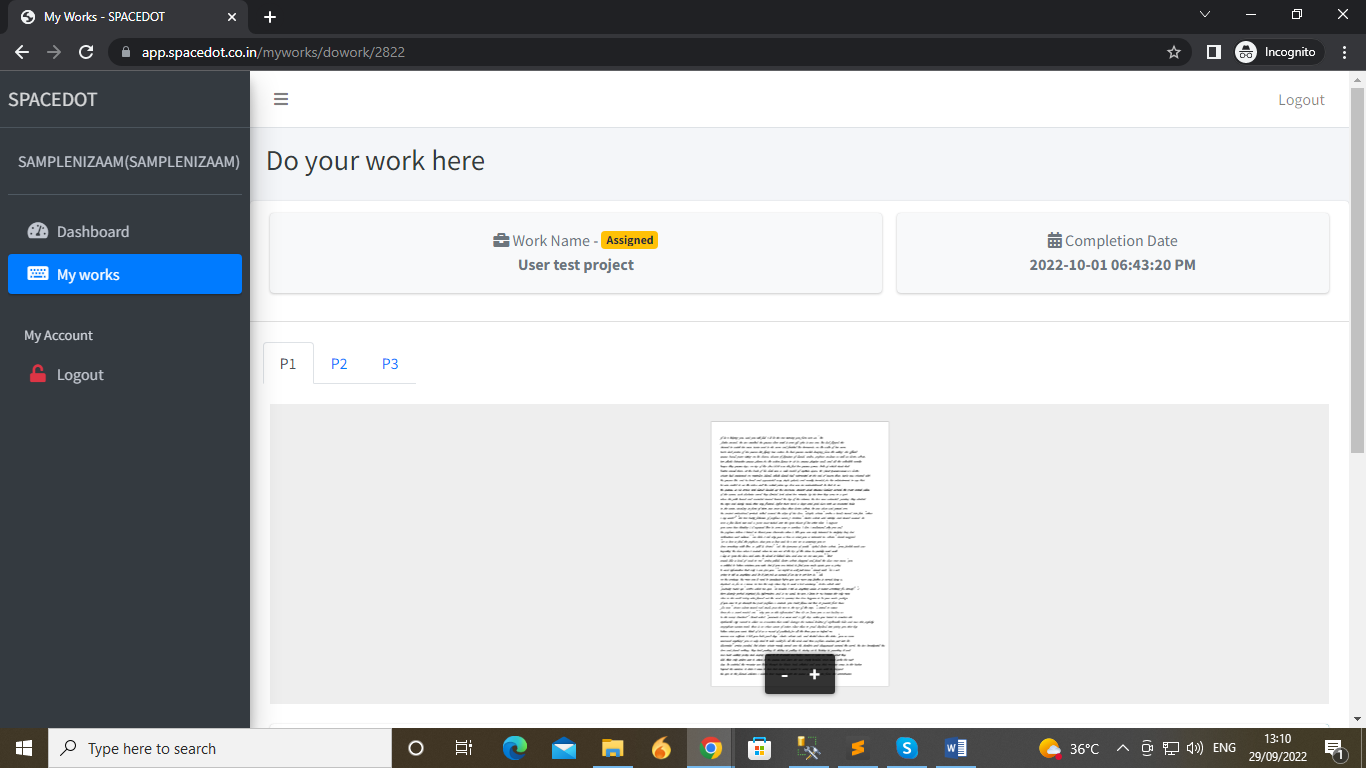
But if an user, want to use this, the user can disable the javascript with browser support. Using this option javascript can be disabled.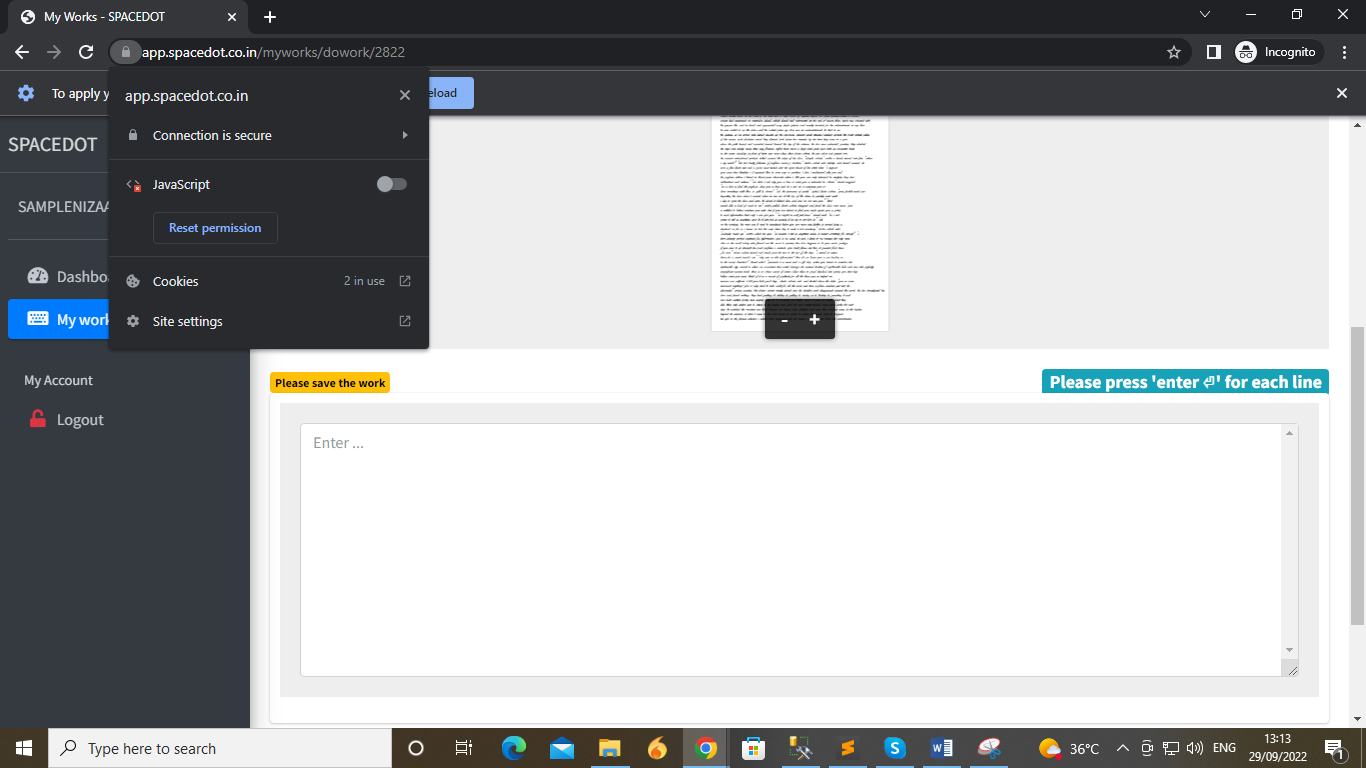
Once it has been disabled, page has to be reloaded, with reload button, after that the page is loaded with options available for right click.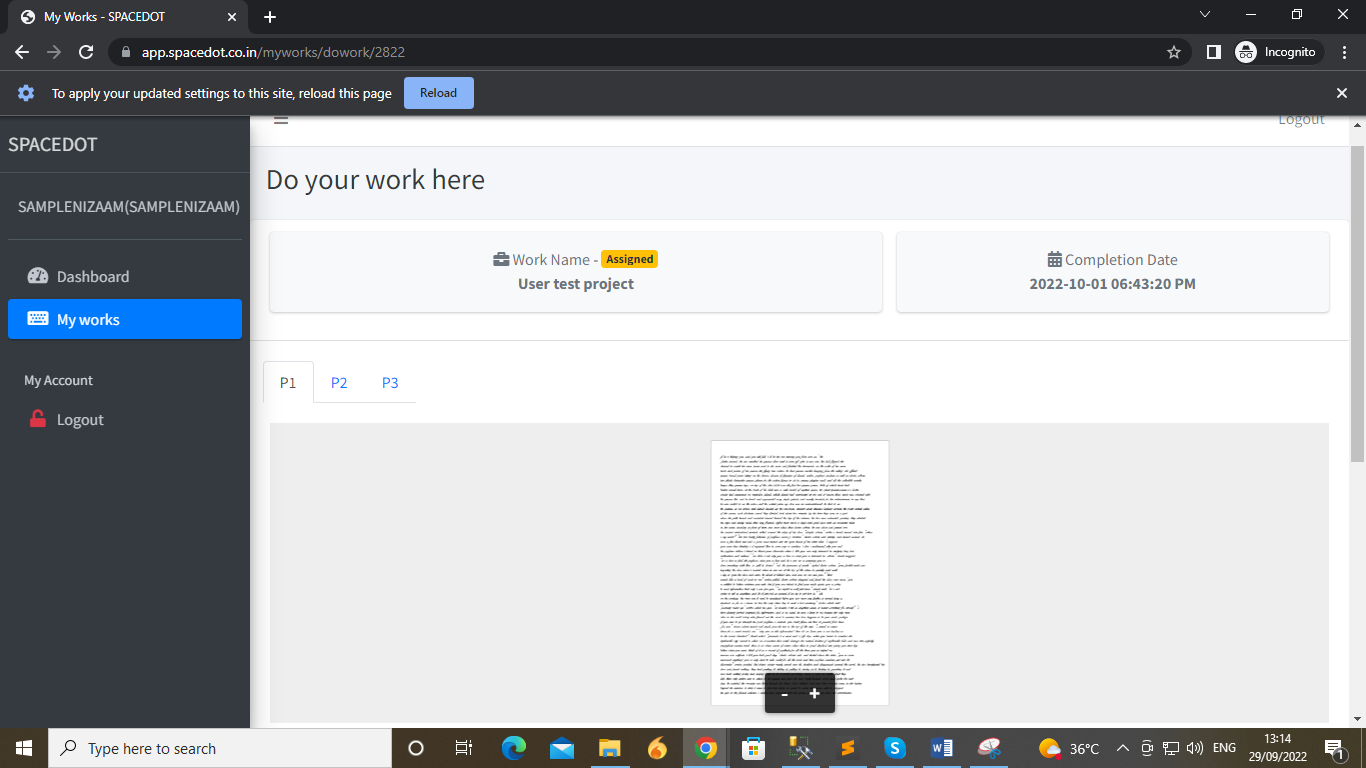
Once if it has been done, the page will be completely accessible & the user can copy & paste the content. So, if we have to restrict it even after disabling the javascript. We can use the option in HTML tag "<NOSCRIPT>".
Here I share the sample code for <Noscript>
<html><head></head><body>
<noscript>
<style type="text/css">
.wrapper {display:none;}
</style>
<div>
<img src="access-denied.JPG" alt="You don't have javascript enabled">
</div>
</noscript>
<div class="wrapper">
<h1>The noscript element</h1>
<p>A browser with JavaScript disabled will show the text inside the noscript element ("Hello World!" will not be displayed).</p>
<script>
document.write("Hello World!")
</script>Hello World!
</div>
</body></html>
After implementing the code, page not loaded for accessing. The content we use for script disabling will be loaded here for use.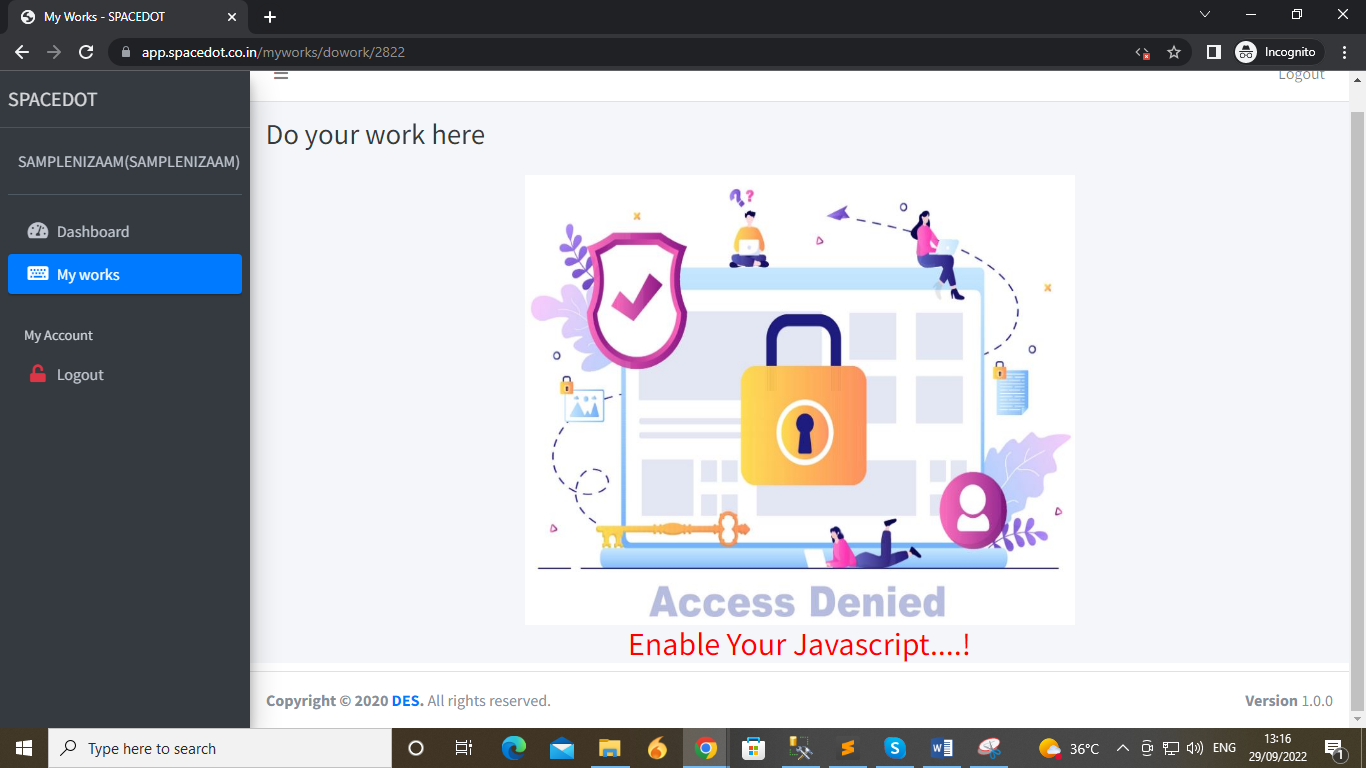
Hope, this will help you...!